Confident
Total$259.90
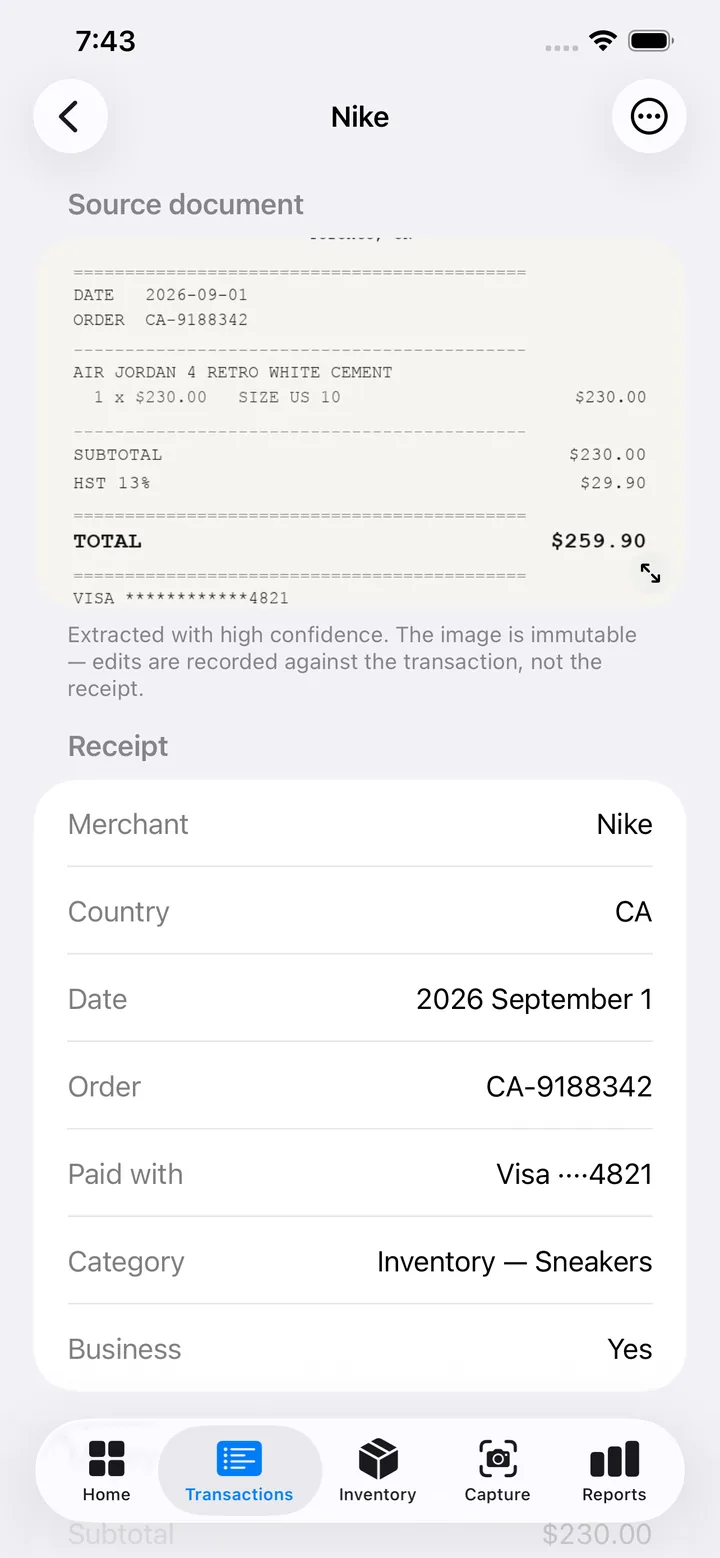
Read directly from the total line.
 Colourway
Download
Colourway
Download
iOS · Live on the App Store · Worldwide
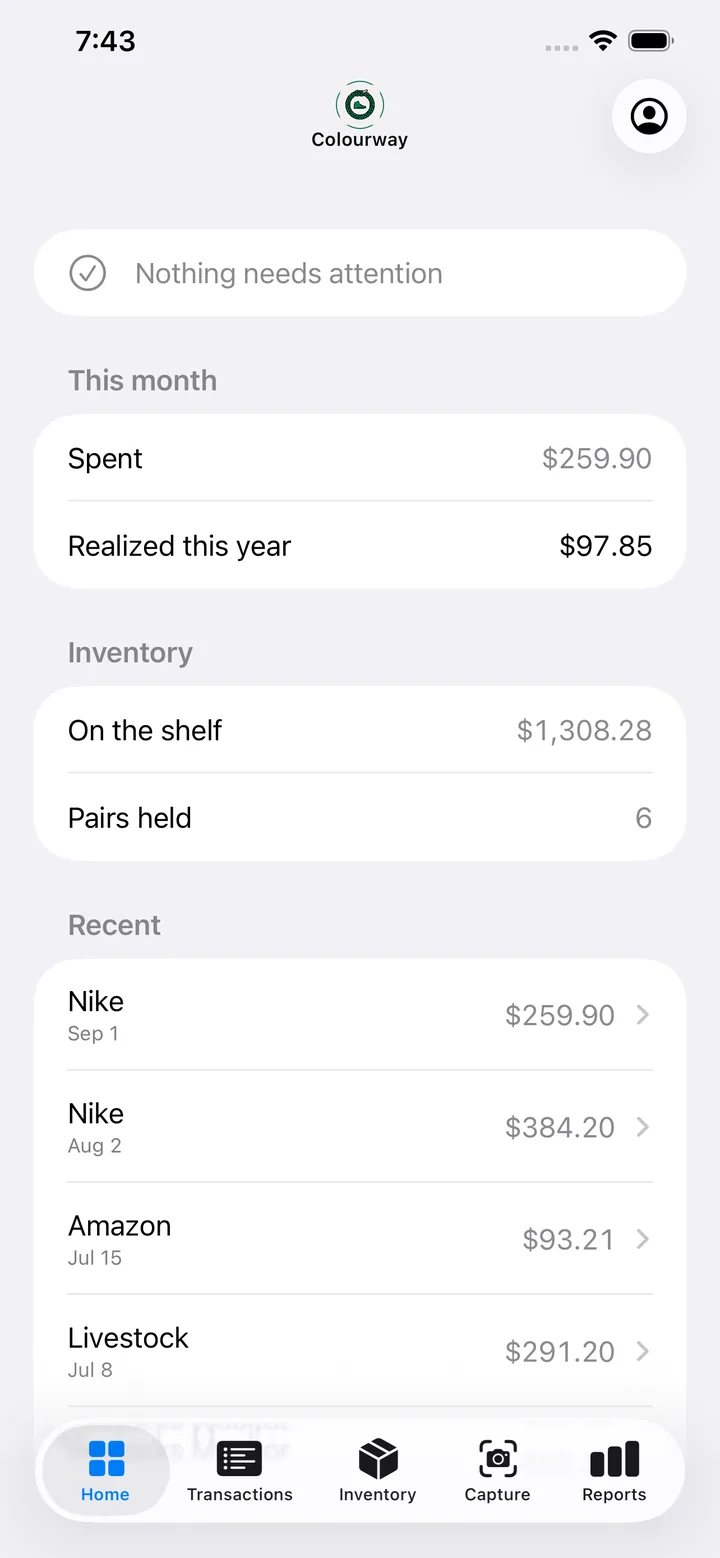
Photograph the receipt. Colourway reads it, holds the cost basis, tracks what the pair is worth on the shelf, and shapes a calendar year of it for T2125 or Schedule C.
Free to use for 15 receipts a month. No account needed to look around.
A real extraction, recorded. The 14-second read is played at 7×.
NIKE.COM
TORONTO, ON
========================================
DATE    2026-09-01
ORDER   CA-9188342
----------------------------------------
AIR JORDAN 4 RETRO WHITE CEMENT
  1 x $230.00   SIZE US 10      $230.00
----------------------------------------
SUBTOTAL                        $230.00
HST 13%                          $29.90
========================================
TOTAL                           $259.90
========================================
VISA ************4821
The read
Reading the image…
Merchant and date found
Line items: 1
Two fields could not be determined
Saved to your ledger
Saved to your ledger — 1 line item, 1 pair tracked. Cost basis $259.90.
A confident number you cannot check is worse than a blank you can fill in. When Colourway cannot read a field it says so and leaves it empty, rather than writing a tidy zero you will find out about in April.
Confident
Total$259.90
Read directly from the total line.
Unsure
Shipping—
Not printed on this receipt. Left for you, not filled with a zero.
Inferred, and said so
CurrencyCAD
From the province and the HST line — flagged as inferred, not asserted.
“Extracted with high confidence. The image is immutable — edits are recorded against the transaction, not the receipt.” — shown on every receipt in the app
From shelf to filing
Photograph the receipt, or import one you already have. Paper, email, screenshot.
Merchant, date, line items, sizes, tax and payment method — with anything uncertain marked rather than invented.
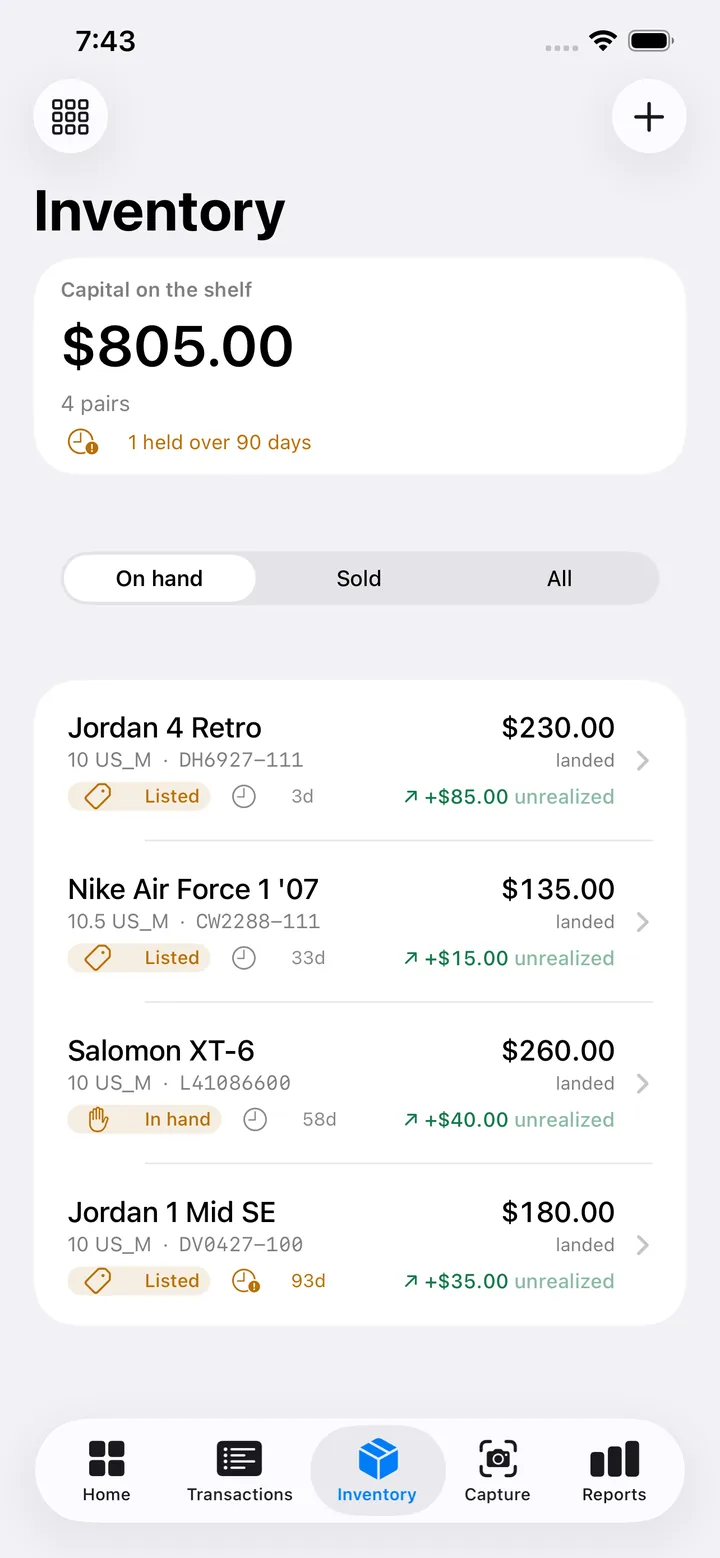
Each pair carries its landed cost, its status, and how long it has sat. Sell it and the realized figure follows automatically.
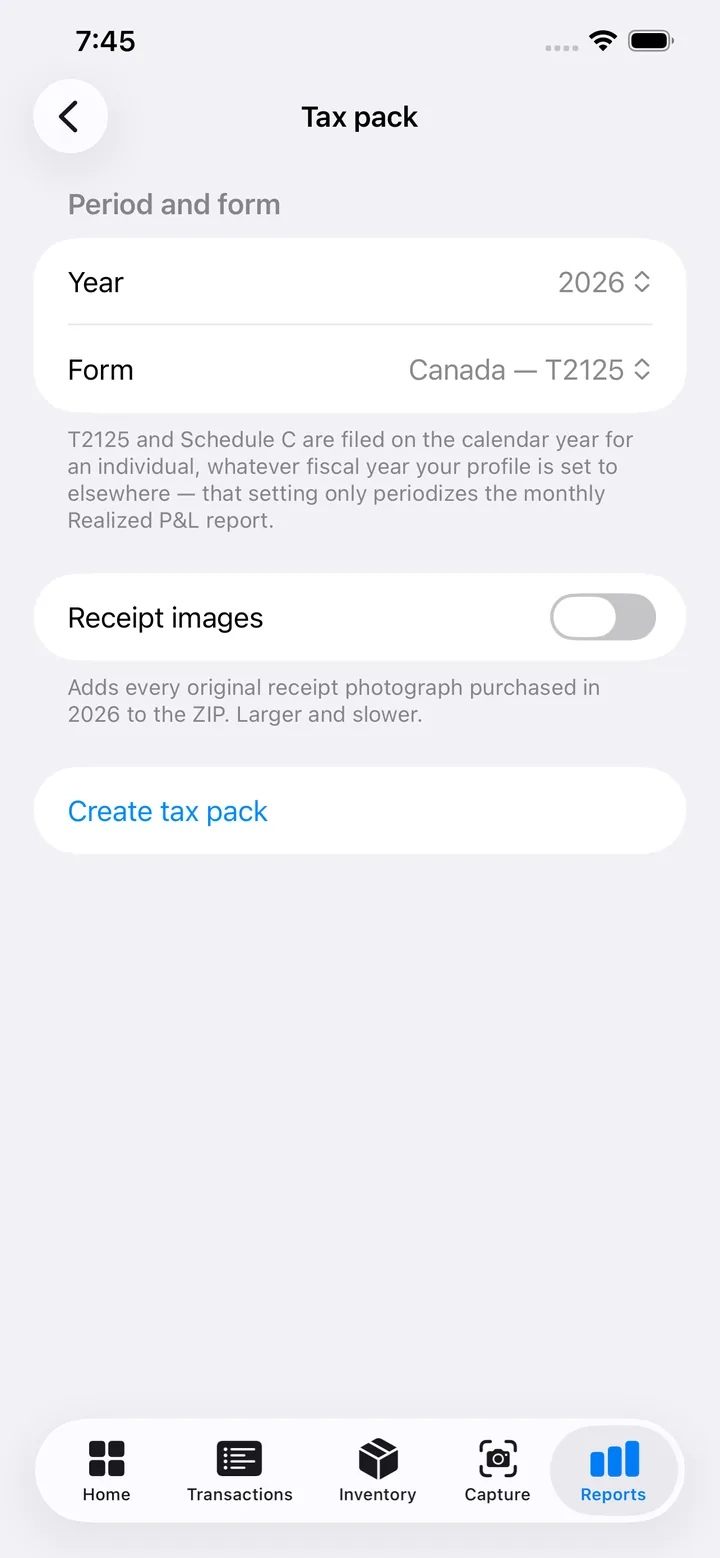
A calendar year of the ledger, shaped for T2125 or Schedule C, exported as a pack your accountant can open.
The whole app
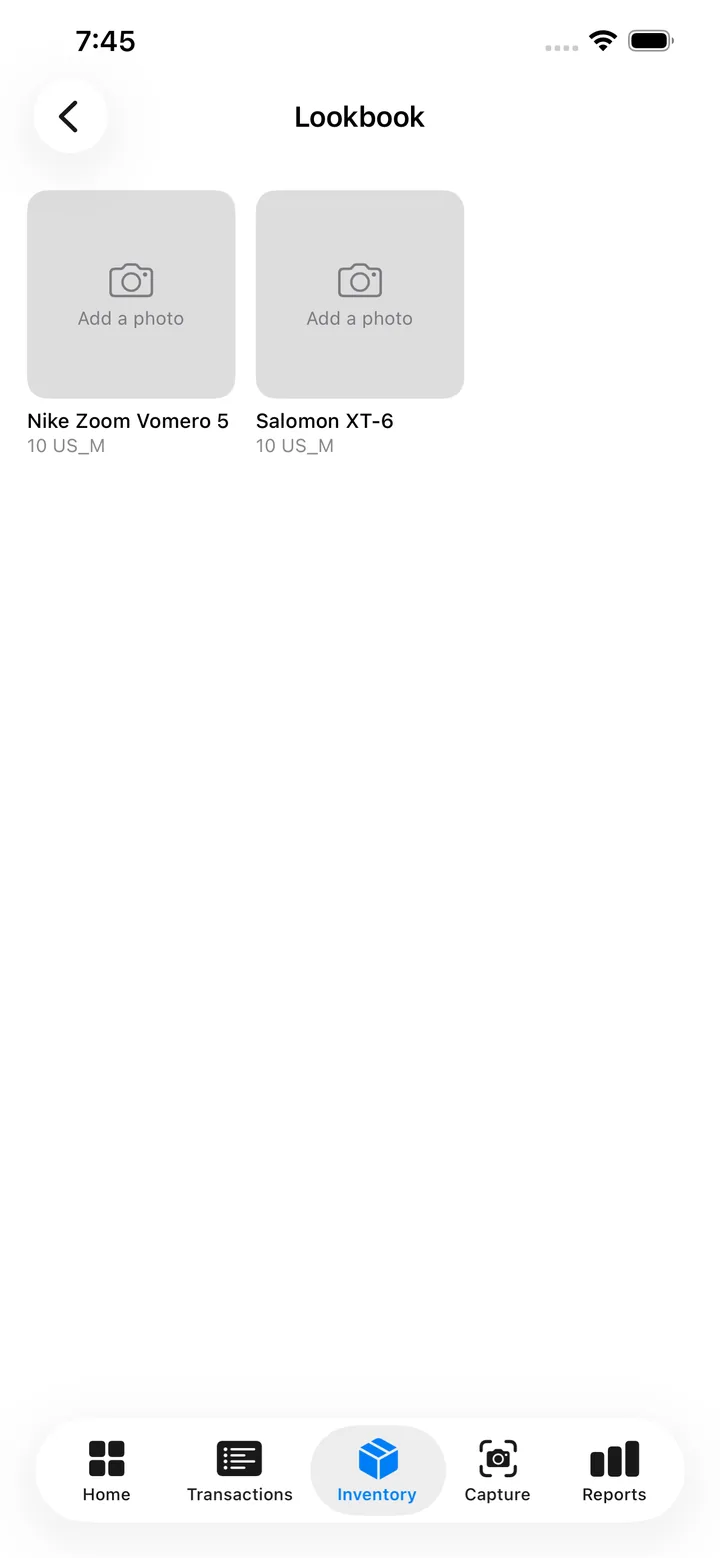
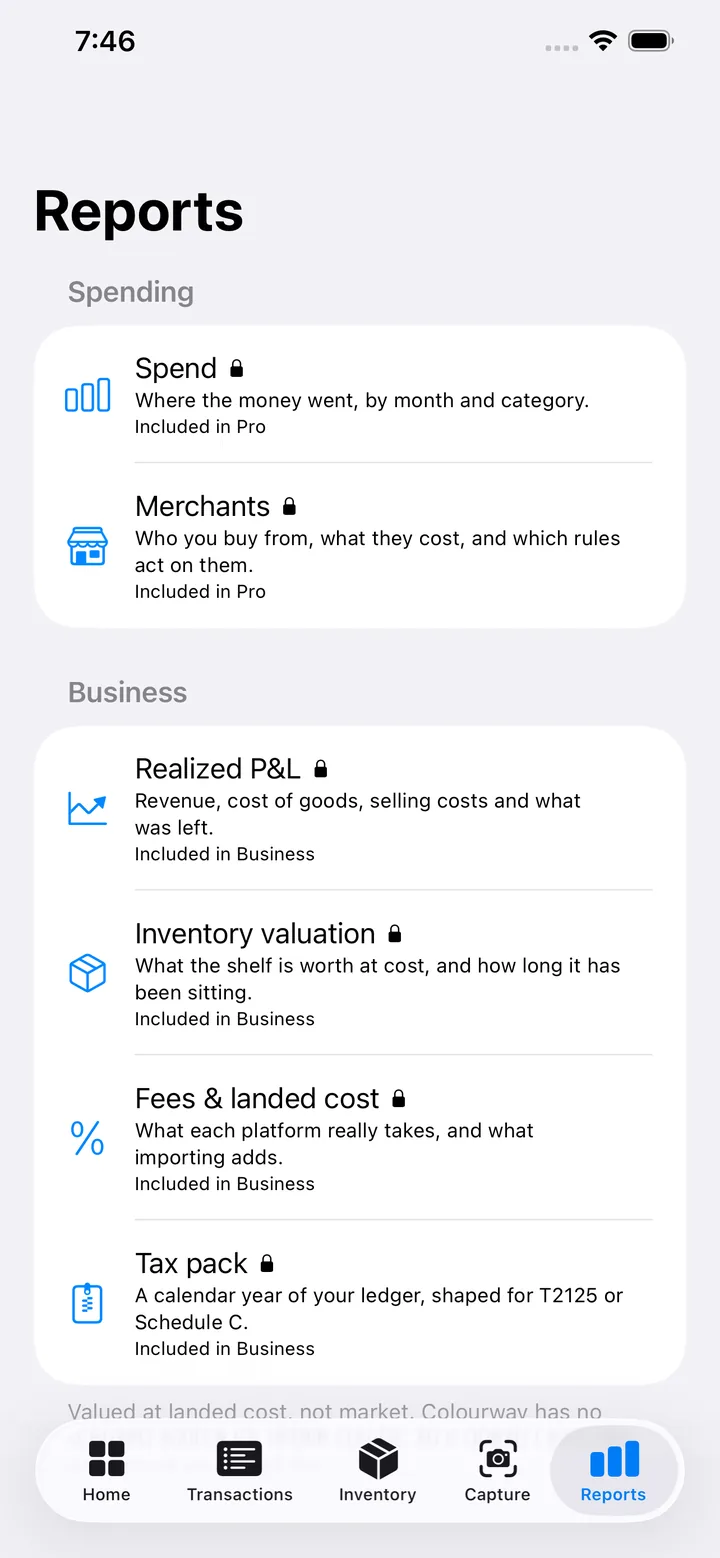
Reports
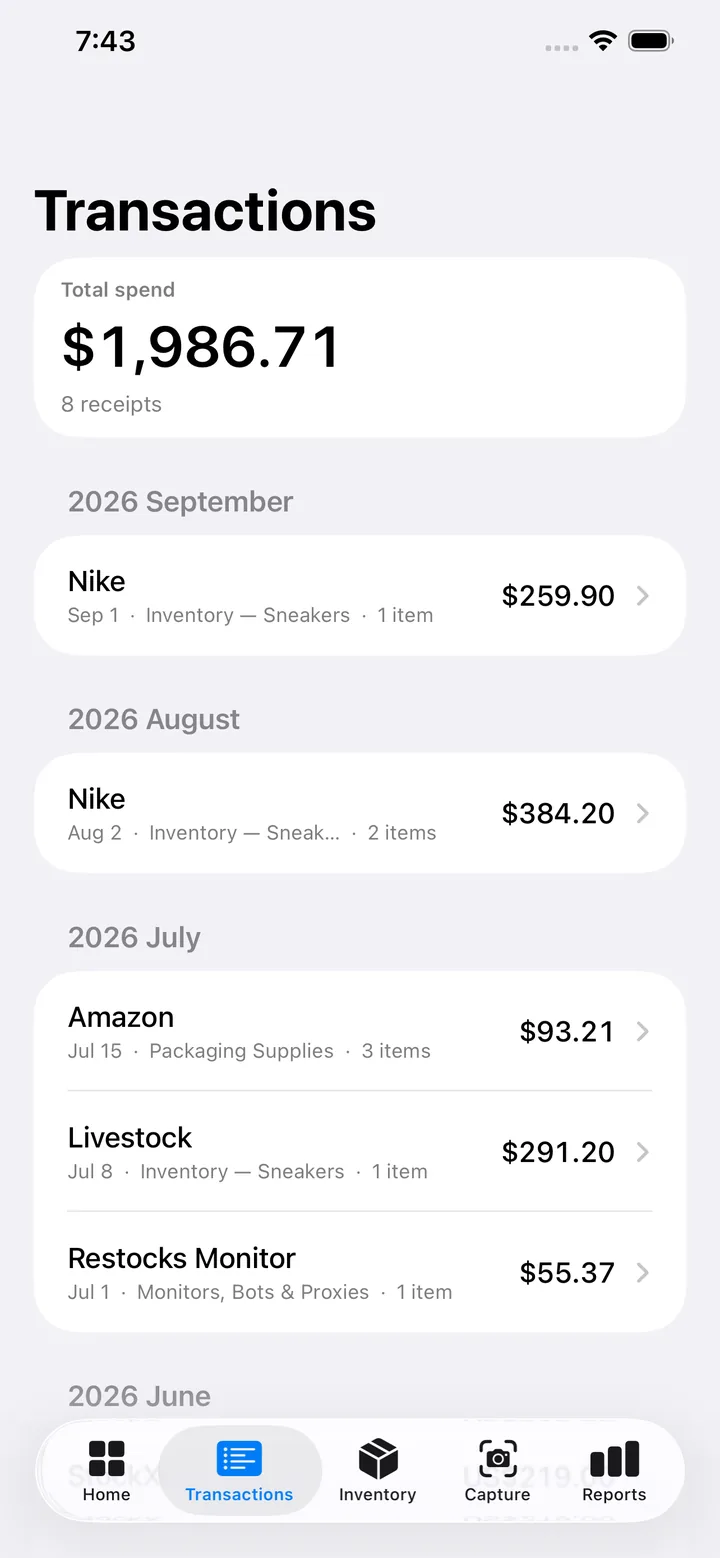
Where the money went, by month and category.
ProWho you buy from, what they cost, and which rules act on them.
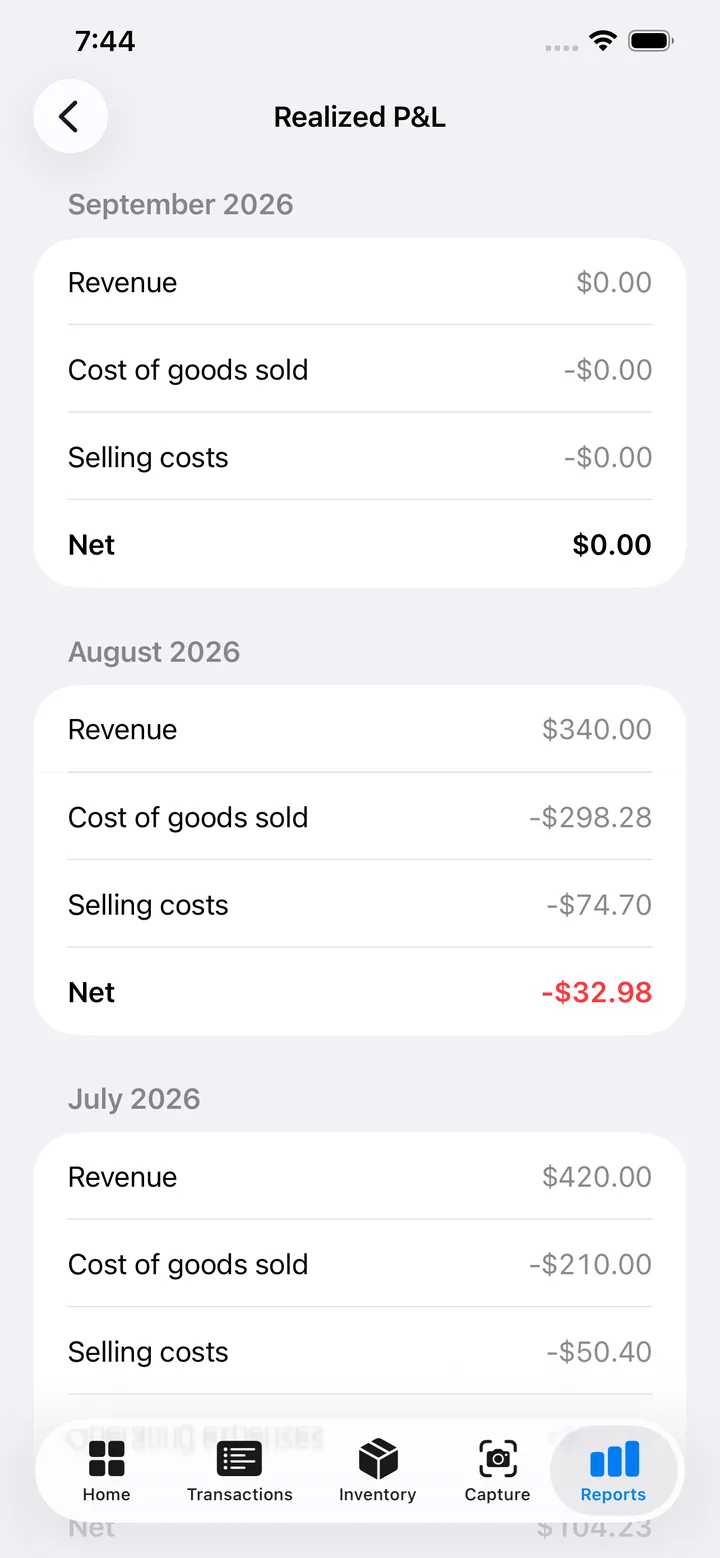
ProRevenue, cost of goods, selling costs and what was left.
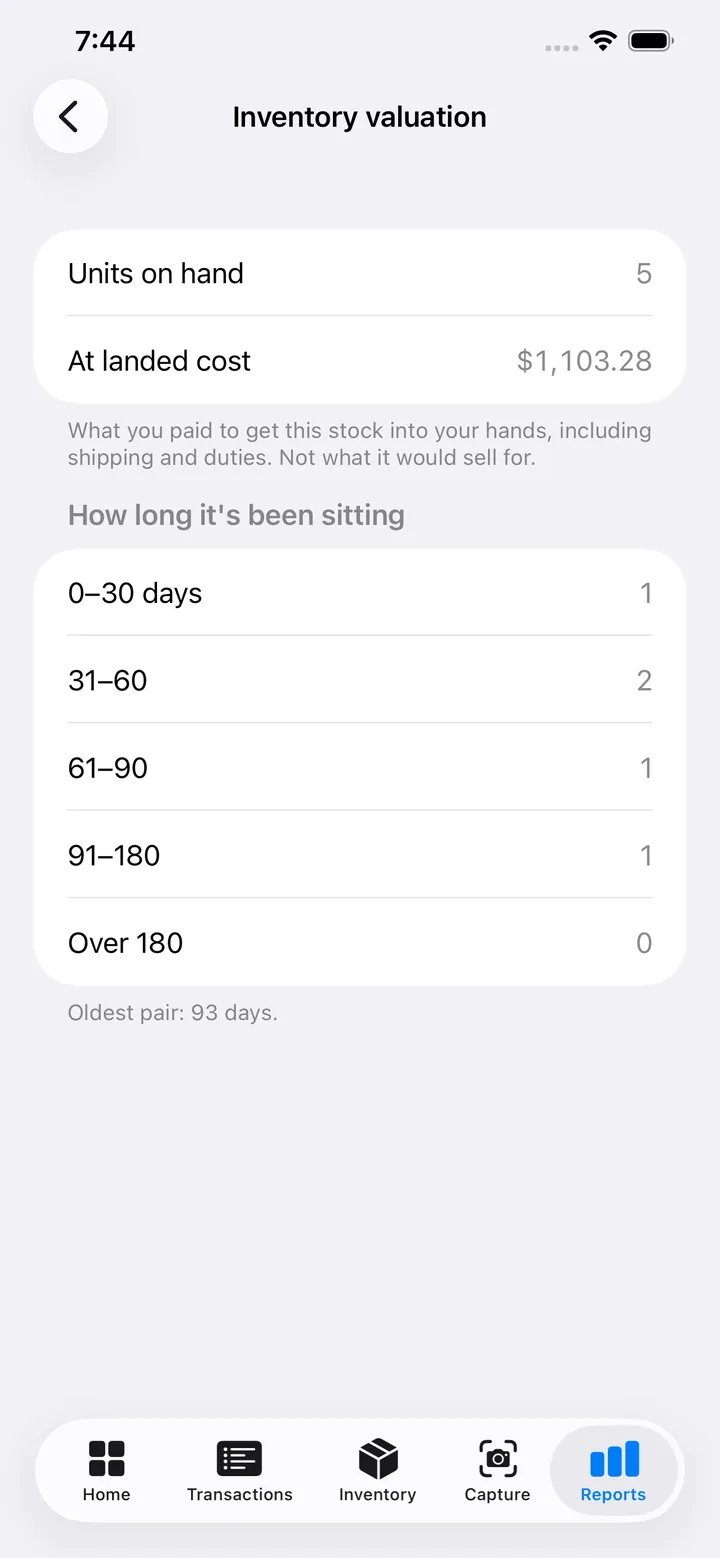
BusinessWhat the shelf is worth at cost, and how long it has been sitting.
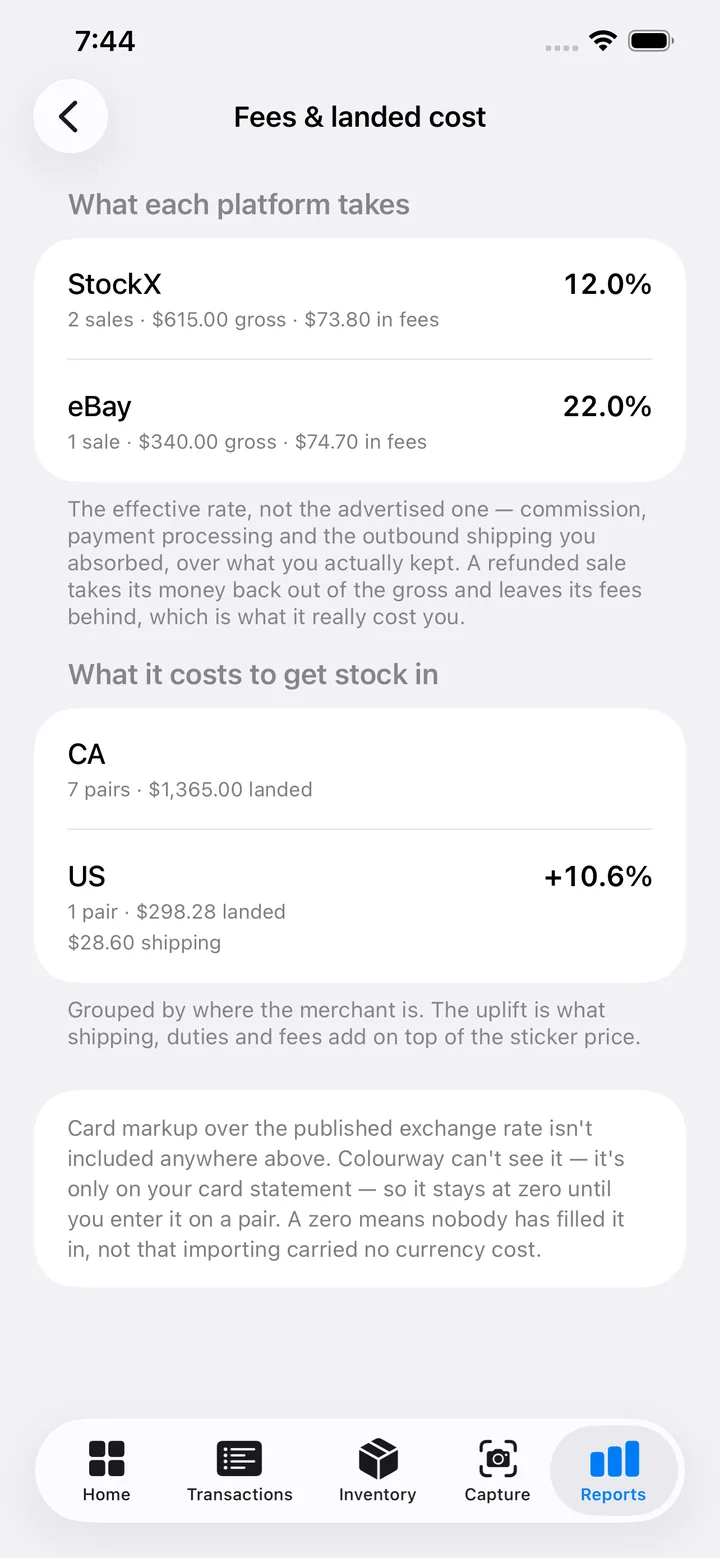
BusinessWhat each platform really takes, and what importing adds.
BusinessA calendar year of your ledger, shaped for T2125 or Schedule C.
BusinessInventory is valued at landed cost, not market. Colourway has no opinion on what a pair is worth to a buyer.
Read What you actually owe on a 1099-K A 1099-K reports what came in, not what you made. Work out the profit you are actually taxed on — and what happens to the part of your cost basis you cannot prove.Privacy
There is no tracker in this app measuring how you use it. Receipt images go to one processor to be read and are not used to train anything. Your whole ledger exports to a ZIP of CSVs whenever you want it, images included, and deleting your account removes it.
The full detail is in the privacy policy, which is written to match what the app actually does rather than to cover every possibility.
Pricing
Free
Shown in the app
Shown in the app
Prices are shown in the app before you buy, in your local currency as set on the App Store for your region, so there is no figure on this page that could be wrong for you. Both paid tiers have a monthly and a yearly option. Apple bills you, not us; manage or cancel in Settings → Apple Account → Subscriptions.